Jul 1, 2026
The Complete Guide to Modern Point of Sale Software for Businesses
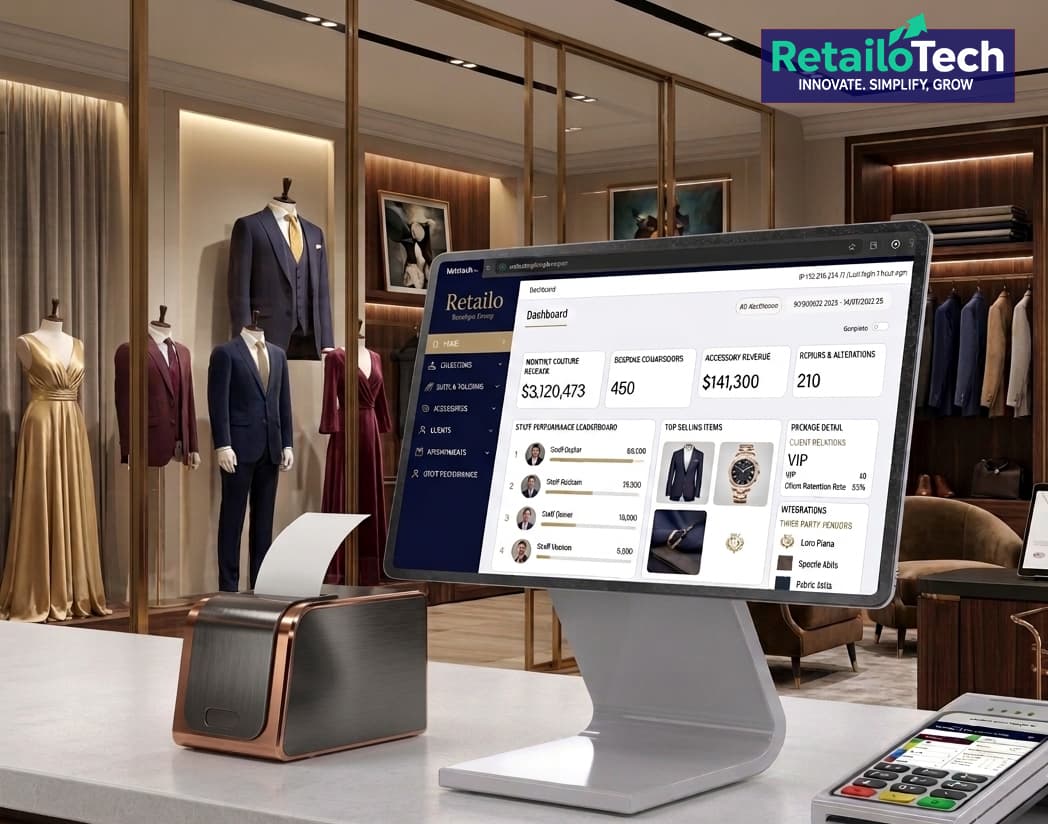
Running a successful business today requires more than simply processing sales. Whether you own a retail store, supermarket, pharmacy, restaurant, café, or wholesale business, you need accurate inventory tracking, fast billing, detailed reporting, and complete control over your daily operations. This is where a Point of Sale (POS) System becomes an essential part of your business.
A modern POS system is much more than a cash register. It is a complete business management solution that helps improve efficiency, reduce errors, and make informed decisions using real-time data.
What is a POS System?
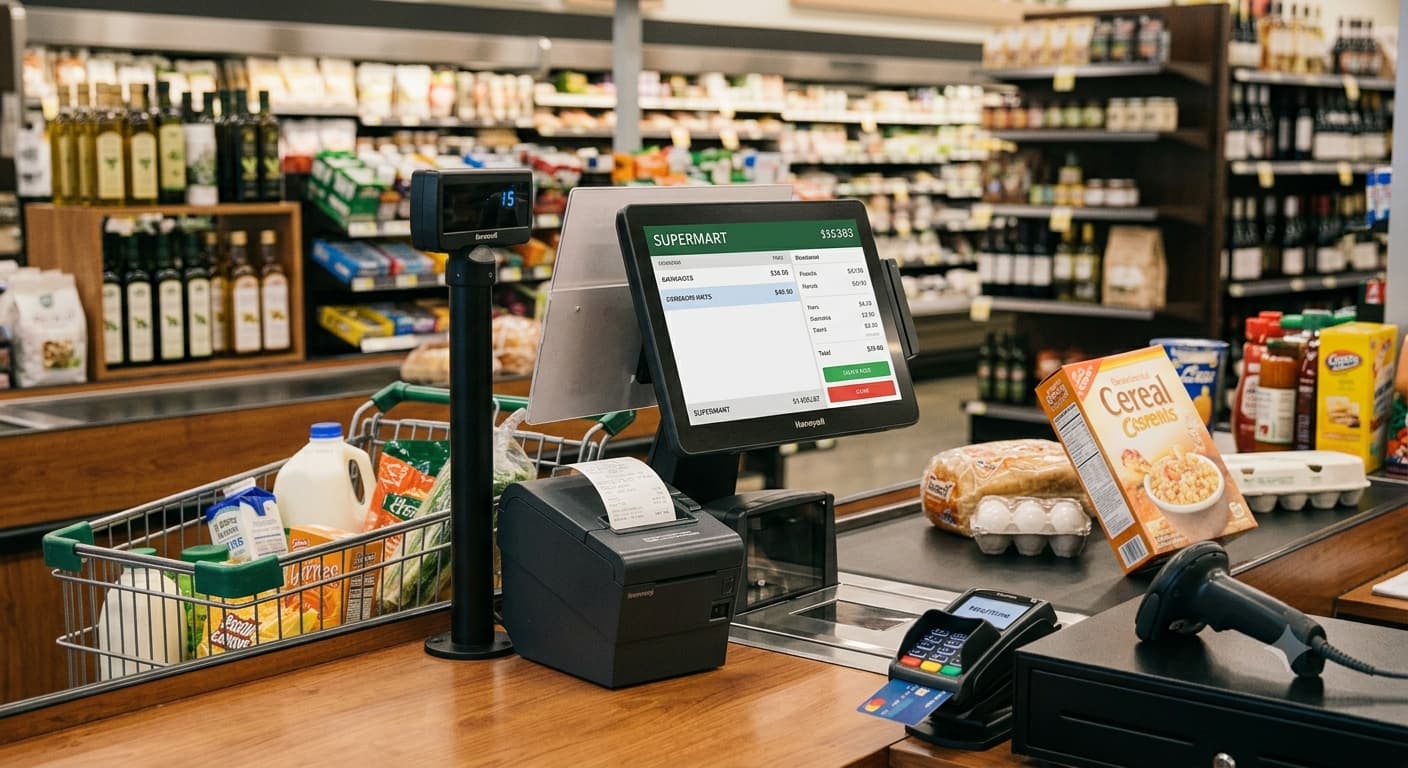
A Point of Sale (POS) System is a combination of software and hardware that allows businesses to process sales transactions while managing inventory, customers, employees, and business reports.
Whenever a customer makes a purchase, the POS system records the transaction, updates stock levels automatically, and stores valuable business data for future analysis.
Modern POS software can also integrate with barcode scanners, receipt printers, cash drawers, customer displays, kitchen printers, payment gateways, and accounting systems.
Why Every Business Needs a POS System
Manual billing and stock management often lead to mistakes, lost sales, and inaccurate inventory records. A professional POS solution helps businesses automate these tasks while providing complete visibility into daily operations.
Some of the biggest benefits include:
- Faster billing and checkout
- Accurate inventory management
- Real-time sales tracking
- Customer management
- Employee performance monitoring
- Profit and expense analysis
- Reduced human errors
- Secure transaction records
- Business reports and analytics
- Multi-branch management
Whether you're managing one outlet or multiple locations, a POS system gives you complete control from a single platform.
Key Features of a Modern POS Software
Fast Billing
Process sales within seconds using barcode scanning, touchscreen interfaces, product search, discounts, promotions, and multiple payment methods.
Inventory Management
Track stock levels in real time, receive low-stock alerts, manage suppliers, monitor stock movements, and prevent inventory shortages.
Customer Management
Maintain customer profiles, purchase history, loyalty programs, and promotional campaigns to improve customer retention.
Sales Reports
Generate detailed reports including:
- Daily sales
- Monthly revenue
- Product performance
- Profit margins
- Staff sales
- Branch performance
- Payment summaries
These reports help business owners make informed decisions based on real data.
Employee Management
Assign user roles, control system permissions, monitor cashier activities, and track employee sales performance.
Multi-Branch Support
Manage multiple stores from one centralized dashboard while viewing branch-specific reports and inventory.
Restaurant Features
Restaurants and cafés require specialized POS functionality such as:
- Kitchen Order Tickets (KOT)
- Table Management
- Takeaway Orders
- Delivery Orders
- Split Bills
- Waiter Management
- Recipe-Based Inventory
- Menu Management
Retail Features
Retail businesses benefit from:
- Barcode support
- Price management
- Promotions
- Product variants
- Batch and expiry tracking
- Stock transfers
- Purchase management
Industries That Benefit from POS Systems
A modern POS solution is suitable for almost every business, including:
- Retail Stores
- Supermarkets
- Restaurants
- Cafés
- Hotels
- Pharmacies
- Clothing Stores
- Electronics Shops
- Hardware Stores
- Bookstores
- Bakeries
- Beauty Salons
- Mobile Phone Shops
- Wholesale Businesses
- Gift Shops
- Service Businesses
Cloud POS vs Traditional POS
Traditional POS systems store data on local computers, while Cloud POS solutions synchronize data online, allowing business owners to monitor operations from anywhere.
Cloud POS offers several advantages:
- Remote access
- Automatic backups
- Real-time reporting
- Easier software updates
- Better scalability
- Improved business continuity
Many businesses also choose hybrid solutions that combine local speed with cloud synchronization.
How a POS System Improves Business Growth
A POS system provides valuable insights into customer behavior and business performance.
Business owners can quickly identify:
- Best-selling products
- Slow-moving inventory
- Peak business hours
- Top-performing employees
- Customer buying patterns
- Most profitable product categories
This information helps improve purchasing decisions, marketing strategies, pricing, and inventory planning.
Choosing the Right POS Software
When selecting a POS system, consider the following:
- Ease of use
- Reliable customer support
- Inventory management capabilities
- Reporting features
- Multi-branch support
- Data security
- Backup options
- Customization
- Integration capabilities
- Future scalability
Choosing the right solution today can save significant time and operational costs as your business grows.
Why Choose Retailo POS?
At Retailo Tech Solutions, we build modern POS software designed to help businesses operate more efficiently. Our solution combines fast billing, powerful inventory management, intelligent reporting, customer management, and scalable architecture suitable for businesses of all sizes.
Whether you're opening your first shop or managing multiple branches, Retailo POS provides the tools needed to streamline operations, improve productivity, and support long-term business growth.
Conclusion
A POS system is no longer just a billing application—it is the central hub of your business operations. By automating sales, inventory, reporting, and customer management, businesses can reduce costs, improve efficiency, and make smarter decisions.
Investing in the right POS software is an investment in the future of your business. With the right technology in place, you can focus on serving customers, growing revenue, and expanding your business with confidence.
Keep reading